
Use cases
POVer for Baby Showers
The first album begins today. You’re busy opening tiny socks and soaking in the love. Put the phone down and let your besties capture every happy tear. One scan, and your baby's first album builds itself.

Oh Baby Emma
Captured by your favorite people.
No need to text everyone asking for their photos tomorrow. Every candid shot your friends take lands directly in your private album, ready for you to look back on.

No apps. No tech stress. Just family.
We removed the friction so everyone can join the fun. From your Gen Z besties to your great-grandparents, adding a photo to the album is literally one tap away.

Fun baby shower games!
Use POVer for your baby shower games! Have guests upload their baby photos for a guessing game, or stream a live slideshow of everyone's advice cards.
Share photos with a...
Scan to join
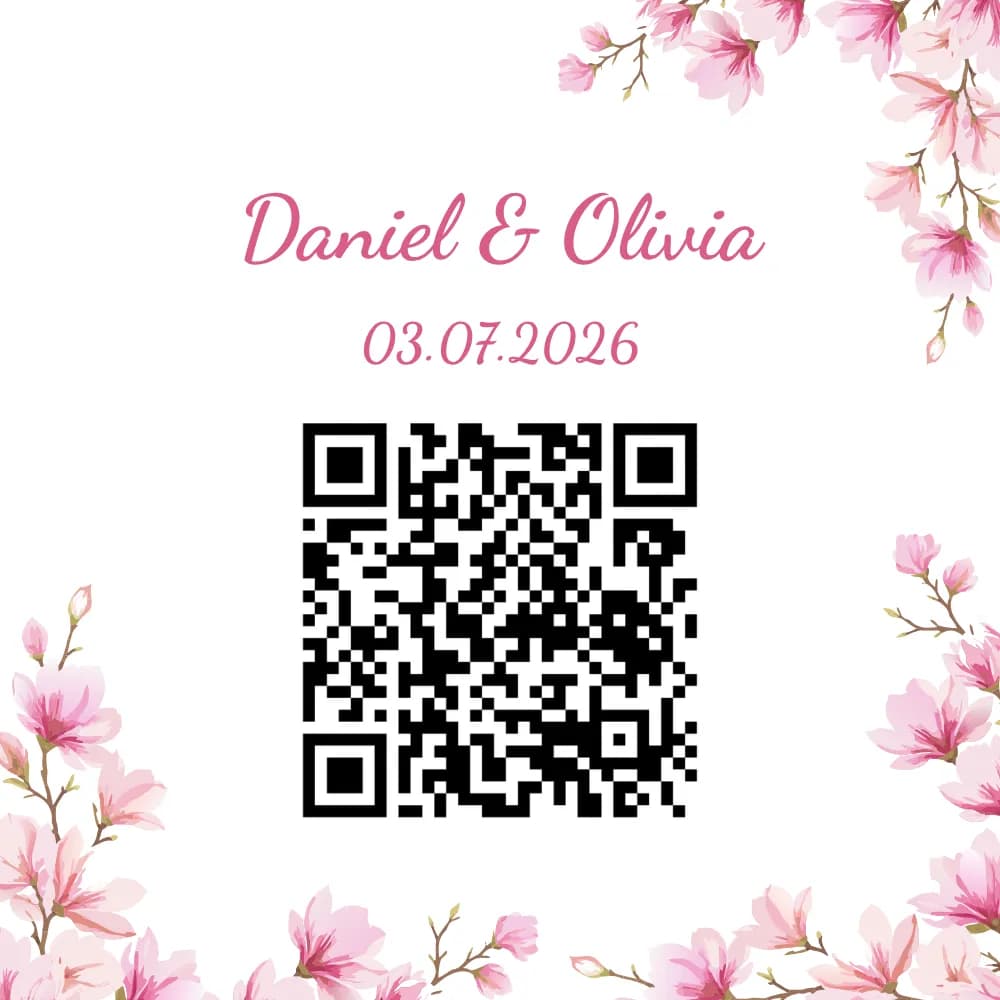
Guests simply scan the QR code with their camera app. No downloads required.
What people say
“Did it for my baby shower. Guests just scanned and took photos. We got so many we wouldn't have had otherwise. simple but great.”
Rachel K.
Questions we get a lot
Quick answers to common questions.
How do guests join without downloading POVer?
They open your link or scan your QR. On many iPhones a lightweight App Clip opens the capture flow; on Android and elsewhere the browser handles photos - no App Store install required for guests.
My event is in a few months - can I set up the QR in advance?
Yes. Create and tune your event ahead of time. Guests only see it once you share the QR or link.
Does POVer work without internet or Wi-Fi?
Guests need Wi‑Fi or cellular data to join and upload. If your venue has spotty coverage, test a join from the room before the day.
How do I get a QR code?
When you publish an event in POVer, a QR is generated automatically. Download or print it for signs and paper goods.
Is POVer free?
Yes. As host you can review and remove shots before guests see them, or turn live sharing on whenever you want.