Guest shots from every POV

Your whole event, always with you

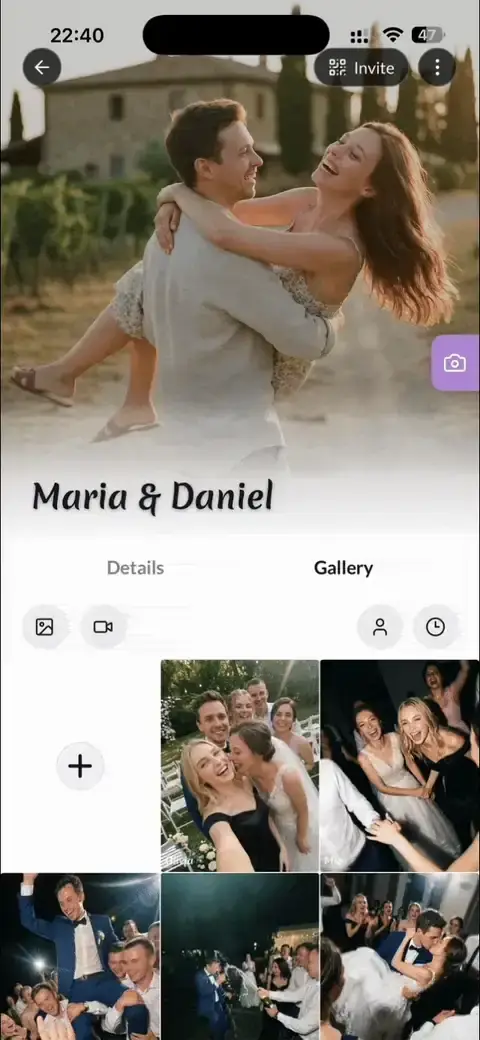
One QR or link. Every photo & video captured. See the real vibe of your event from every guest’s POV. Perfectly organized. No app required for guests.

Supported in over 20+ languages
🇬🇧
🇩🇪
🇪🇸
🇯🇵
🇸🇰
🇨🇿
🇫🇷
🇮🇹
🇳🇱
🇵🇱
🇬🇧
🇩🇪
🇪🇸
🇯🇵
🇸🇰
🇨🇿
🇫🇷
🇮🇹
🇳🇱
🇵🇱
🇬🇧
🇩🇪
🇪🇸
🇯🇵
🇸🇰
🇨🇿
🇫🇷
🇮🇹
🇳🇱
🇵🇱
🇬🇧
🇩🇪
🇪🇸
🇯🇵
🇸🇰
🇨🇿
🇫🇷
🇮🇹
🇳🇱
🇵🇱
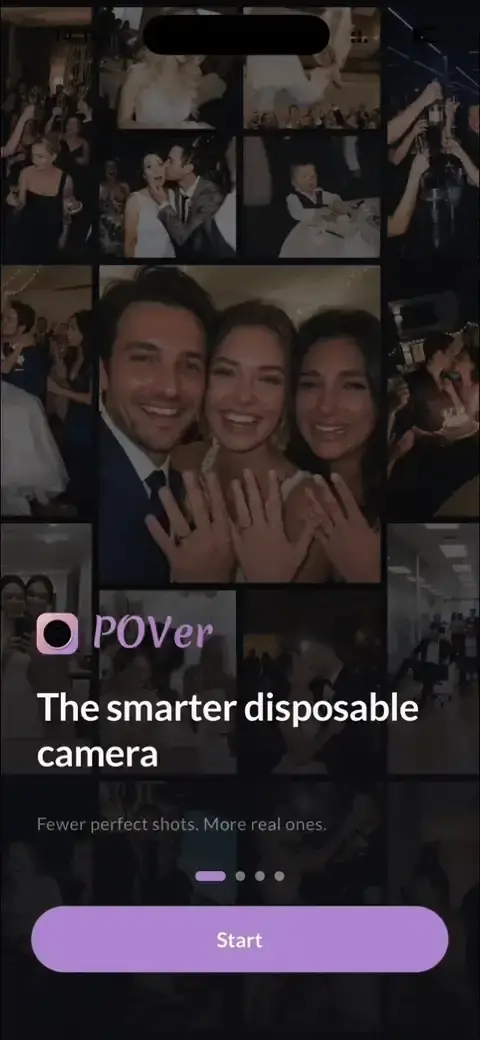
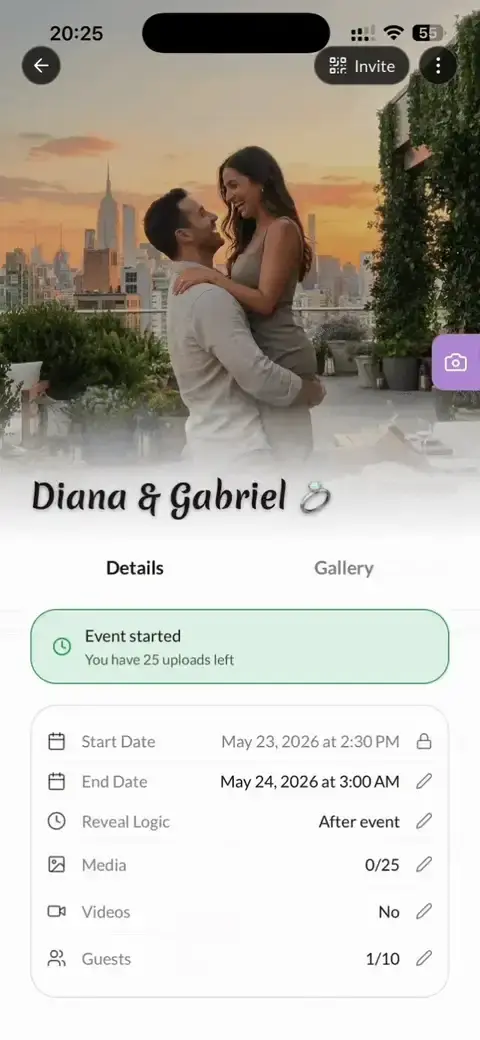
Your event gallery, live in 60 seconds

Don’t let your best memories die on someone else’s phone. See your event through every POV in one shared album.

01 / 06

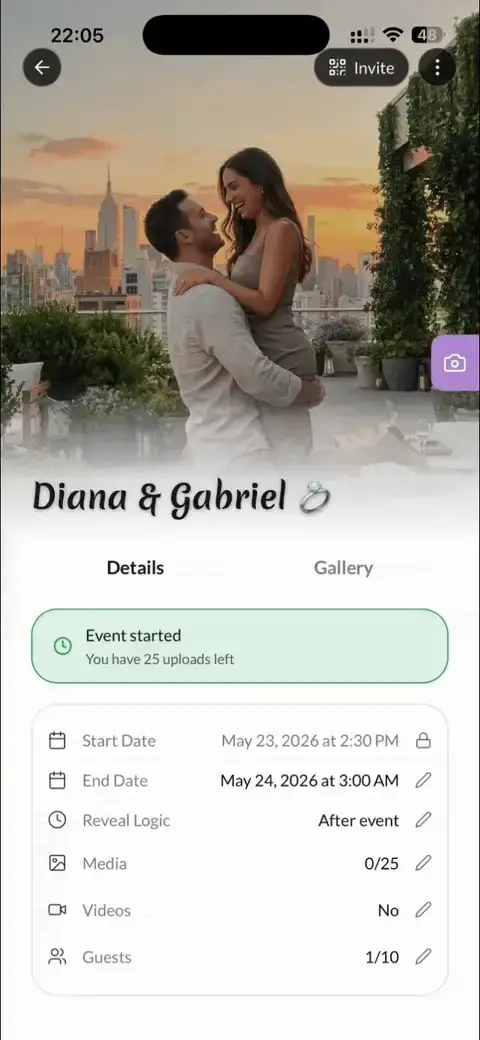
Create your event

Name your occasion, set dates, choose guest count, and photo & video limits for disposable feel or go unlimited.

02 / 06

Invite guests with zero friction

Just drop the link in your chat. Guests join and snap photos instantly - no app needed.

03 / 06

Customize your QR

Customize your QR code directly in our built-in editor to match your event's theme.

04 / 06

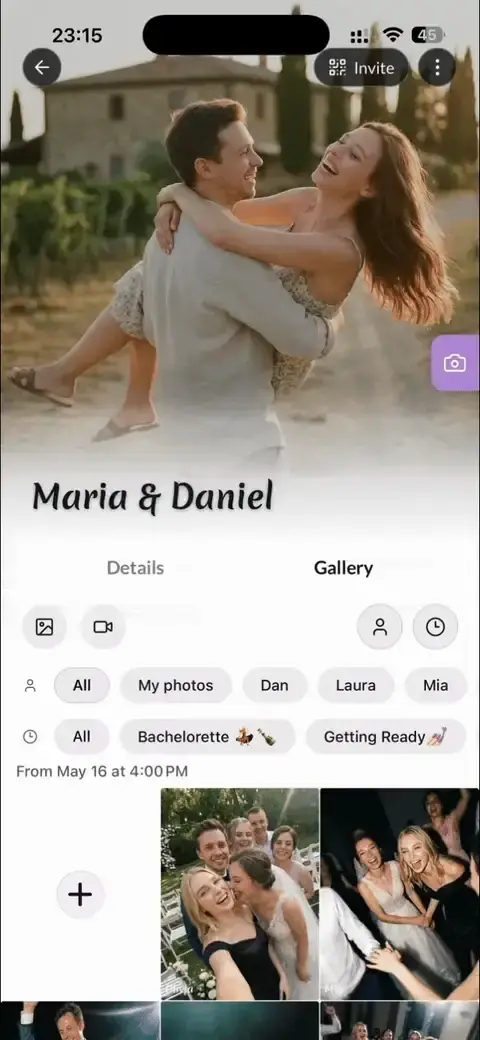
Pro tools for your event

See the whole story unfold. Every photo and video is organized into a beautiful chronological timeline of your event.

05 / 06

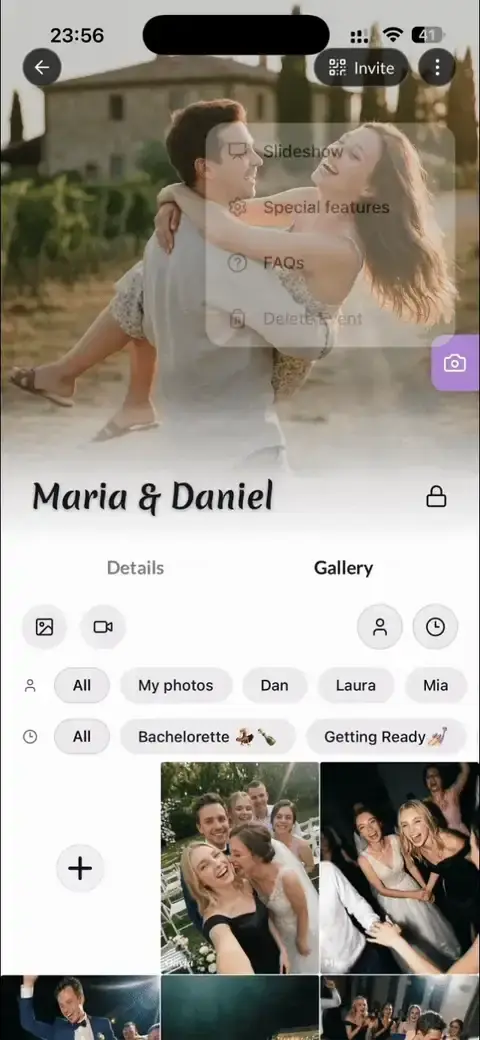
Total privacy control

Private album – Keep your entire gallery completely hidden from the public. Album is invisible to guests until you reveal it.

06 / 06

The Grand Reveal

Pick a reveal time for your shared album. App users get a real-time alert the second the gallery goes live.

POVer vs. typical photo apps

Compared with popular event and wedding photo apps.

Feature
POVer
Competitors
Disposable Camera Mode (Photo Limits)
Image Filters & Effects
Custom Photo Reveal Times
Live Photo Slideshow
Chronological Event Timeline
Works without signal

POVer also includesUnlimited Guest UploadsVideo Upload SupportHost-Only UploadsPrivate Album (Invisible)Lock Event (Disable Joins) After EndBuilt-In QR Code Editor20+ Canva TemplatesImage StickersMobile App with Event HistoryEvent Notifications (Start, During, Reveal)20+ Supported Languages

Loved by hosts & guests

4.9Trusted by couples and event hosts.
Actually i bought it on our way to the ceremony!! Still managed to get the best moments from our wedding and we keep going back to them every week. Honestly some of these are better than the pro ones lol

Emma L.

FAQ

Questions we get a lot

Quick answers to help you capture every moment.

How do guests join without downloading POVer?

Guests simply scan your event's QR code or tap the link. There is absolutely no App Store download or registration required - they can snap and upload videos instantly. However, for those who want the full, high-speed experience, the app offers something truly unique.

My event starts in an hour - is it too late?

Not at all! Setup takes less than 60 seconds. Just create the event, drop the link into your group chat, and guests can start snapping. No QR printing needed if you're in a rush, and guests can even upload photos and videos from earlier today (like those pre-ceremony drinks!).

Can guests upload photos and videos they already took?

Yes, absolutely! Whether they used the POVer camera or their phone's native app, they can easily upload existing media from their gallery. This ensures you don't miss a single POV, even if they caught it before joining the event.

Can I use POVer Canva presets for my wedding?

Yes! All our customers can use our professionally designed Canva presets for PERSONAL USE. Use them to create beautiful QR signs, table cards, or even integrate them directly into your official wedding invitations.

More