
Use cases
POVer for Birthdays
Instagram stories expire. Your birthday party shouldn't. One link to save every blurry selfie and dance floor anthem forever.

Alex's 30th
Created in seconds, lasts forever
You pour the drinks, we’ll catch the chaos. Drop a link or stick a QR on the fridge. Your gallery builds itself while you party.

Every epic moment, auto-saved
Don’t miss a thing. Your friends snap, we sort. See the whole night unfold chronologically from every guest’s perspective.

Elevate your party games
Gamify your night. Launch a scavenger hunt and watch the madness drop into your feed. Funny, unfiltered, and live.
Share photos with a...
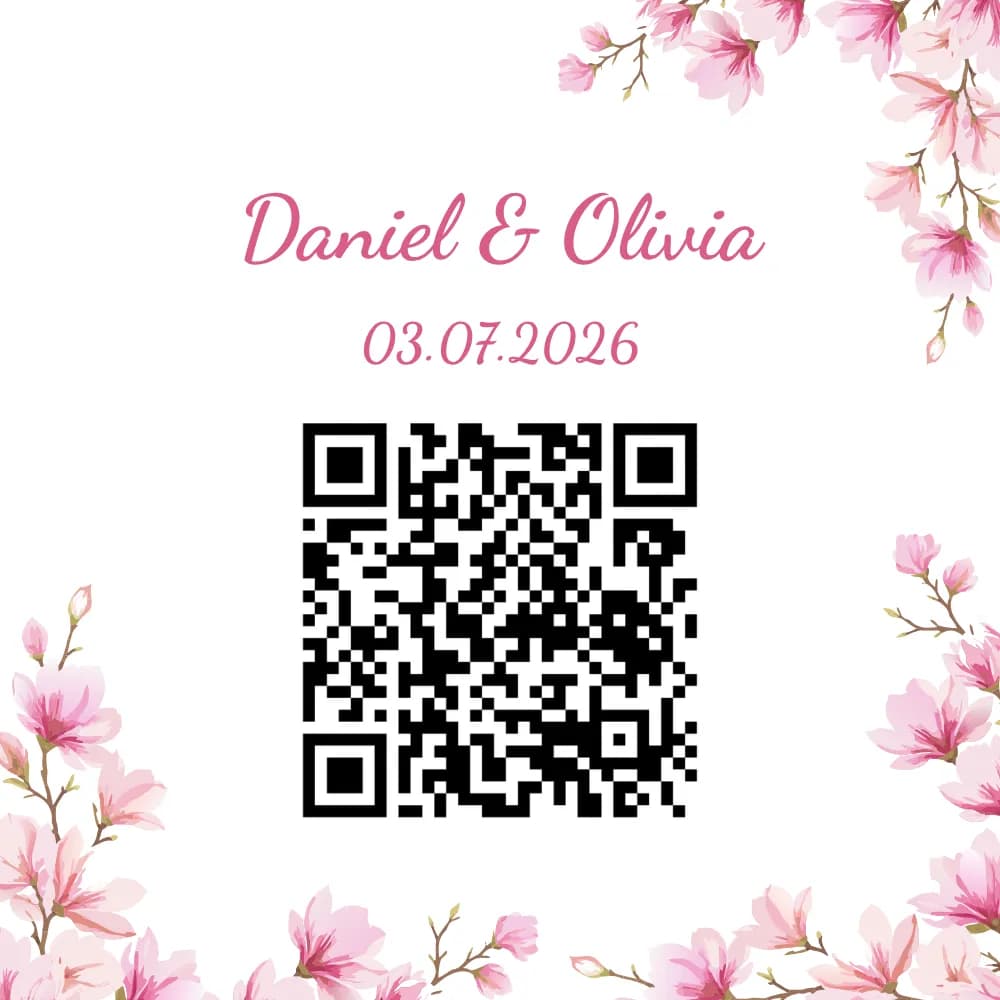
Scan to join
Guests simply scan the QR code with their camera app. No downloads required.
What people say
“We used it for our wedding and got way more photos than we expected. Everyone joined in, even people who usually dont take pictures. Definately would use again for a birthday party.”
Sarah & Mike
Questions we get a lot
Quick answers to common questions.
How do guests join without downloading POVer?
They open your link or scan your QR. On many iPhones a lightweight App Clip opens the capture flow; on Android and elsewhere the browser handles photos - no App Store install required for guests.
My event is in a few months - can I set up the QR in advance?
Yes. Create and tune your event ahead of time. Guests only see it once you share the QR or link.
Does POVer work without internet or Wi-Fi?
Guests need Wi‑Fi or cellular data to join and upload. If your venue has spotty coverage, test a join from the room before the day.
How do I get a QR code?
When you publish an event in POVer, a QR is generated automatically. Download or print it for signs and paper goods.
Is POVer free?
Yes. As host you can review and remove shots before guests see them, or turn live sharing on whenever you want.